


Scatter Plot Maker
Paste your x and y pairs and see every point plotted, with the line of best fit, the correlation coefficient and R². Type an x value to predict y, spot points that sit far from the line, and download the chart as an image.
Scatter Plot and Regression Line Maker
One pair per line, x first and then y. The plot updates as you type.
| # | x | y | Fitted y | Residual | Flag |
|---|
Working appears here.Syntax appears here.Summary appears here.Get the picture, the equation of the line, r, R² and a p-value in one step, from a simple paste.
Points far from the line are flagged, and a residual table shows exactly how far each one sits.
Type an x to get a predicted y. If it lies outside your data, you are told it is an extrapolation.
What Does a Scatter Plot Maker Do?
A scatter plot maker takes pairs of numbers, one x value and one y value for each case, and draws each pair as a dot. The picture shows at a glance whether the two variables move together, move in opposite directions, or have nothing to do with each other.
Paste your pairs into the box above and the chart appears with a best-fit line, the correlation coefficient r, the slope and intercept, R², a p-value and a table of residuals. You can also type an x value to get a predicted y, and download the chart as an SVG or PNG image.
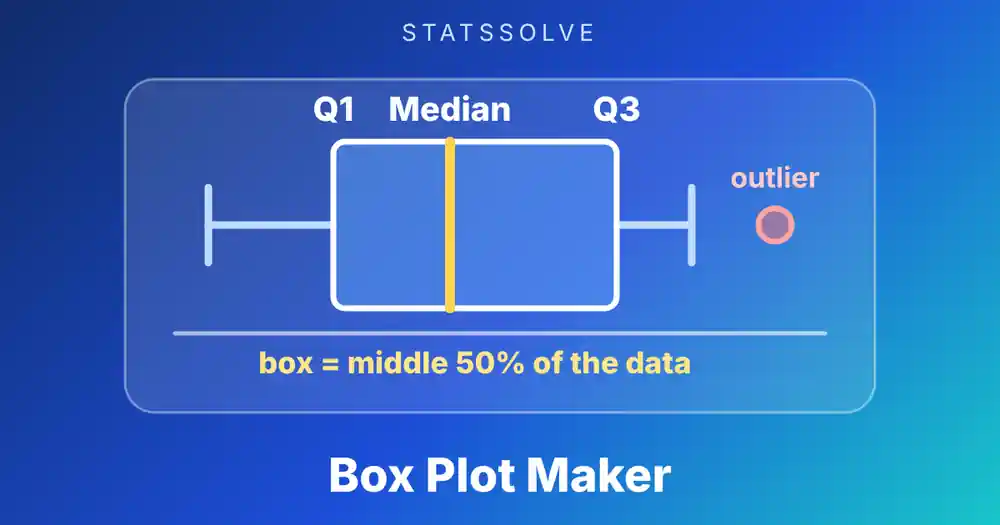
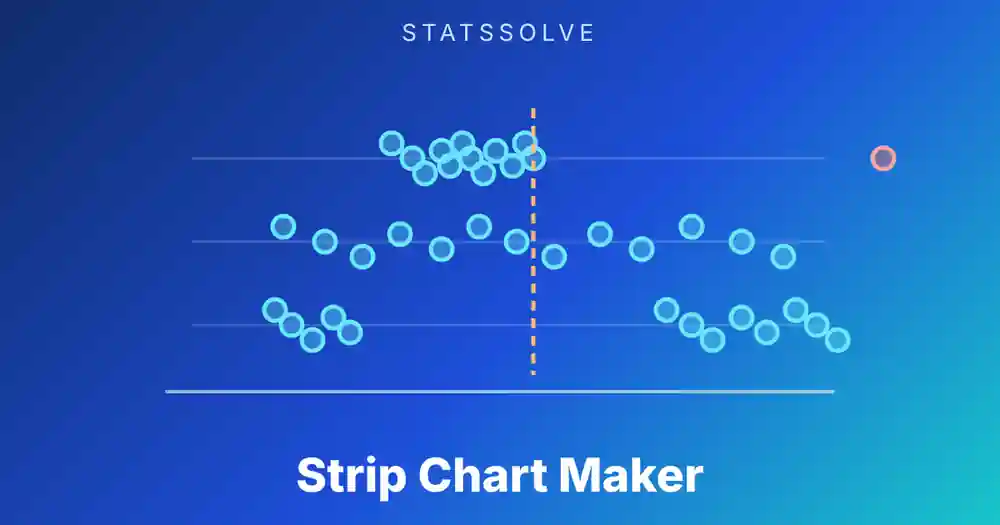
Every number used to draw the line is shown on the page, so the tool doubles as a check on homework. If you are comparing groups on one variable instead of relating two variables, the box plot maker is the better chart, and the strip chart maker shows one variable with every value as a dot.
How Do You Use This Scatter Plot Maker?
Type or paste your data and the chart updates as you go.
- Enter the pairs. Put one pair per line, with the x value first and the y value second, separated by a comma, space, tab or semicolon. Two columns copied from Excel or Google Sheets paste in as they are. Up to 500 pairs work, and negatives and decimals are fine.
- Add a header if you like. If the first line holds two words instead of numbers, such as
Hours, Score, they become the axis labels. You can also type the labels in the boxes. - Choose what to draw. Turn the regression line, the mean lines and the large-residual flags on or off.
- Predict a value (optional). Type an x value and the tool gives the predicted y from the fitted line, with a warning if x lies outside your data.
- Read the results and save the chart. The cards give r, R², the equation and more. The download buttons save the plot as SVG or PNG.
The quick buttons load examples: study hours against exam score, the same data with one outlier added, a negative relationship, a curved pattern and a cloud with no pattern. Press Clear to return to the starting example.
How Do You Read a Scatter Plot?
Look at four things, in this order: direction, form, strength and unusual points.
- Direction. Dots that climb from left to right show a positive relationship, where larger x goes with larger y. Dots that fall show a negative one.
- Form. Are the dots near a straight line, a curve or no shape at all? Correlation and the fitted line only describe straight-line patterns.
- Strength. A narrow band around the line is a strong relationship. A wide, loose cloud is weak.
- Unusual points. A dot far from the others, or one that breaks the pattern, can change r and the slope a lot. Look at it before you trust the numbers.
The plot always shows more than the single number r. Two data sets can share the same r and look completely different, which is why you should draw the points before you quote a correlation.
What Is the Correlation Coefficient r?
The Pearson correlation coefficient r measures how closely the points follow a straight line. It runs from −1 to +1. A value of +1 means every point sits exactly on an upward line, −1 means every point sits on a downward line, and 0 means there is no straight-line relationship.
The numerator Sxy is positive when points above the mean of x tend to sit above the mean of y, and negative when they sit below it. Dividing by the square root of Sxx times Syy rescales the result so it never leaves the −1 to +1 range and does not depend on the units. Measuring height in inches or centimetres gives the same r.
People often attach labels to the size of r. A common rule of thumb calls values below about 0.3 weak, 0.3 to 0.7 moderate and above 0.7 strong, but the cut-offs differ between fields. Physics data often have r above 0.99, while social science results of 0.3 are taken seriously. Treat the labels as a guide, not a rule, and judge r together with the picture and the sample size.
Example 1: How Do You Find r and the Line for Study Hours and Scores?
Eight students record their hours of study before a test and their score out of 100.
| Student | 1 | 2 | 3 | 4 | 5 | 6 | 7 | 8 |
|---|---|---|---|---|---|---|---|---|
| Hours (x) | 2 | 3 | 4 | 5 | 6 | 7 | 8 | 9 |
| Score (y) | 52 | 61 | 58 | 70 | 68 | 80 | 77 | 89 |
The means are x̄ = 5.5 and ȳ = 69.375. Working through the sums gives Sxx = 42, Syy = 1059.875 and Sxy = 201.5.
The fitted line is y = 42.988 + 4.7976x. Each extra hour of study goes with about 4.8 more points on the test, and a student who studied no hours would be predicted to score about 43. The correlation of 0.955 is strong and positive, and the points sit in a narrow band around the line.
Is the relationship real or could eight students produce it by chance? The test statistic is t = r √(n − 2) / √(1 − r²) = 7.89 with 6 degrees of freedom, which gives p = 0.0002. With n = 8, an r beyond about 0.707 in either direction is enough to be significant at the 5% level, and 0.955 is far past that.
Example 2: What Does One Outlier Do to the Correlation?
Add a ninth student who studied 10 hours and scored only 45, perhaps because they were ill on the day. Enter that extra pair and watch the numbers.
| Measure | Eight students | With the ninth student |
|---|---|---|
| r | 0.955 | 0.337 |
| R² | 0.912 | 0.114 |
| Slope | 4.80 | 1.73 |
| Intercept | 42.99 | 56.27 |
| p-value | 0.0002 | 0.375 |
One point out of nine cut r from 0.955 to 0.337, shrank the slope to a third and turned a clearly significant result into one that cannot be told from chance. The new point is far from the line in the vertical direction and also sits at the right-hand end of the x range, so it has a lot of pull. The tool flags points whose residual is more than two standard errors from the line, so this student shows up in red.
The lesson is not to delete the point. It is to find out why it is different and report the result both ways if you cannot decide. The quartile calculator and the box plot maker use the 1.5 × IQR rule to flag extreme values in one variable, which is a useful check on each axis separately.
Example 3: Why Can a Strong Pattern Have r = 0?
Take nine points where y is the square of x: x runs from −4 to 4 and y = 16, 9, 4, 1, 0, 1, 4, 9, 16. The dots form a perfect U shape, so the relationship is as strong as it can be. Yet Sxy = 0, so r = 0, the fitted line is flat at y = 6.667 and R² is 0.
The reason is symmetry. For every point on the left that is high and to the left, there is a mirror point on the right that is high and to the right, and their contributions to Sxy cancel exactly. Pearson’s r only measures straight-line association. A curve can be perfectly predictable and still have a correlation of zero.
Spearman’s rank correlation is also 0 here, because the ranks of y go up and then down. Both coefficients are blind to a pattern that changes direction. This is the clearest argument for drawing the scatter plot first: a flat r and a flat line would hide a relationship that the picture shows immediately.
How Does the Least-Squares Regression Line Work?
The regression line is the straight line that makes the total squared vertical distance from the points to the line as small as possible. Each vertical distance, y minus the line’s value at that x, is called a residual, and the line is chosen to minimize the sum of the squared residuals.
The formulas are simple. The slope is b = Sxy / Sxx, the intercept is a = ȳ − b x̄, and the line always passes through the point of means (x̄, ȳ). In Example 1 the residuals are −0.58, 3.62, −4.18, 3.02, −3.77, 3.43, −4.37 and 2.83. They add up to zero, which is always true for a line fitted with an intercept, and their squares add up to 93.15.
The typical size of a residual is the standard error of the estimate, s = √(SSE / (n − 2)). Here that is √(93.15 / 6) = 3.94 points, so a prediction from the line is usually within about 4 points of the real score. The slope itself has a standard error of 0.608, which is how the p-value above was found.
How Do You Use the Line to Predict, and When Should You Not?
To predict y for a given x, put x into the equation. For 6.5 hours of study, y = 42.988 + 4.7976 × 6.5 = 74.17. That x lies inside the data, between 2 and 9 hours, so this is interpolation and it is usually safe.
Predicting outside the range of x is extrapolation, and it is where regression lines go wrong. At 12 hours the equation gives 100.56, a score above the maximum of 100. At 0 hours it gives 42.99, which may or may not be believable for a student who never opened the book. The line describes the pattern in the data you have, and nothing guarantees the pattern continues beyond it. This tool warns you whenever the x you enter is outside the range of your data.
Prediction also assumes the relationship is the same kind as in your sample. A line fitted to the study hours of eight students says little about a different school, a different test or a different year.
What Do R² and the Standard Error Tell You?
R², the coefficient of determination, is the square of r in simple regression. It is the share of the variation in y that the line accounts for. In Example 1, R² = 0.912, so about 91% of the differences in scores line up with differences in study hours, and the other 9% comes from everything else.
R² has limits. It does not say the line is the right model, it rises when you add points near the line, and a high value can come from a few extreme points. Always read it alongside the plot and the residuals.
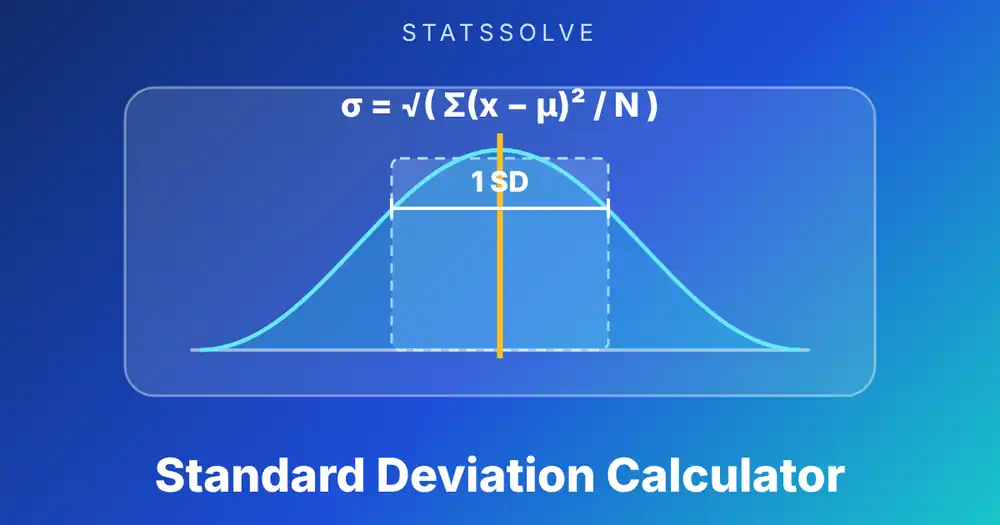
The standard error of the estimate gives the same story in the units of y. It is more useful when you care about prediction: R² = 0.91 sounds precise, but the standard error of 3.94 points tells you a prediction can easily be off by that much. For a sense of how spread out each variable is on its own, the standard deviation calculator and the variance calculator give the figures that sit inside the correlation formula.
Does Correlation Mean Causation?
No. A strong correlation shows that two variables move together, not that one causes the other. Three explanations are always possible: x causes y, y causes x, or a third variable drives both.
Ice cream sales and swimming accidents rise together every summer. Neither causes the other. Hot weather increases both. In the cocoa example below, temperature clearly affects how many hot drinks a cafe sells, but only because we understand the situation, not because the correlation proves it.
Establishing cause usually needs a controlled experiment, where the researcher sets x and sees what happens to y, or a careful design that rules out confounding. A scatter plot is a starting point for that question, not the answer.
What Does a Negative Correlation Look Like?
A cafe records the outside temperature in degrees Celsius and the number of hot chocolates sold on eight days.
| Temperature (°C) | 2 | 5 | 8 | 12 | 15 | 19 | 22 | 26 |
|---|---|---|---|---|---|---|---|---|
| Hot chocolates sold | 44 | 33 | 36 | 25 | 26 | 15 | 17 | 8 |
Here r = −0.967, R² = 0.935, and the line is y = 44.15 − 1.3688x. For every extra degree, the cafe sells about 1.4 fewer hot chocolates. The negative sign of r is the same as the negative sign of the slope, and the two always agree.
The strength of the relationship comes from the size of r, not from its sign. An r of −0.967 is just as strong as +0.967.
Pearson or Spearman: Which Correlation Should You Use?
Pearson’s r uses the actual values and measures straight-line association. Spearman’s rho replaces each value by its rank, from smallest to largest, and then computes the Pearson correlation of the ranks. It measures how consistently y rises or falls with x, whether or not the pattern is a straight line.
| Pearson r | Spearman ρ | |
|---|---|---|
| Uses | The values themselves | Their ranks |
| Detects | Straight-line relationships | Any steadily rising or falling relationship |
| Effect of an outlier | Can be large | Smaller, since only the rank counts |
| Study hours example | 0.955 | 0.929 |
| With the outlier added | 0.337 | 0.350 |
When the two agree, as in Example 1, a straight line is a good description. When they differ a lot, look for a curve or an outlier. The tool reports both so you can compare them. Spearman is also the natural choice for ranked data such as survey ratings from 1 to 5.
How Do You Make a Scatter Plot in Excel, Google Sheets, a TI-84, R and Python?
Every tool gives the same line and r, so you can check this page against whatever your course uses.
Excel / Google Sheets   (x in A2:A9, y in B2:B9)
  =CORREL(A2:A9, B2:B9)      correlation r
  =RSQ(B2:B9, A2:A9)         R-squared
  =SLOPE(B2:B9, A2:A9)       slope
  =INTERCEPT(B2:B9, A2:A9)   intercept
  Chart: select both columns, Insert > Scatter, then add a trendline
  and tick "Display equation" and "Display R-squared".

TI-84 Plus
  Enter x in L1 and y in L2. Turn on DiagnosticOn (2nd + 0).
  STAT > CALC > 4:LinReg(ax+b) gives a, b, r and r^2.
  Plot: 2nd + Y= (STAT PLOT), Type = scatter, then ZoomStat.

R
  cor(x, y)                  # Pearson r
  fit <- lm(y ~ x); summary(fit)
  cor.test(x, y)             # r, t and p-value
  plot(x, y); abline(fit)

Python
  from scipy import stats
  res = stats.linregress(x, y)   # slope, intercept, rvalue, pvalue, stderr
  stats.spearmanr(x, y)          # rank correlation
Excel’s trendline R² and the CORREL value squared agree. Note that linregress reports r, not R², so square rvalue when you need R². For the mean and median of each column on its own, the mean, median and mode calculator gives the quick figures.
What Mistakes Do People Make With Scatter Plots?
The first is quoting r without looking at the plot. Example 3 gave r = 0 for a perfect curve, and Example 2 showed one point can swing r from 0.96 to 0.34.
Second, reading a high R² as proof of cause. It only says the line fits.
Third, extrapolating far beyond the data. A line that works between 2 and 9 hours says nothing reliable about 12.
Fourth, swapping x and y without noticing. The correlation stays the same, but the regression line does not: predicting score from hours is a different line from predicting hours from score. Put the variable you want to predict on the y axis.
Fifth, using too few points. With four or five pairs, a single point can set the whole line, and a large r can happen by chance. Check the p-value, which this tool reports, and use as many pairs as you can.
Sixth, ignoring groups. If your data mix two different groups, such as two schools or two machines, the pooled correlation can be misleading. Plot the groups separately, with different symbols if you can.
Key Points to Remember
- A scatter plot shows each pair of values as a dot. Read direction, form, strength and unusual points.
- Pearson’s r runs from −1 to +1 and measures straight-line association only.
- The least-squares line is y = a + bx with b = Sxy / Sxx and a = ȳ − b x̄. It passes through the means.
- R² is the share of the variation in y that the line explains. The standard error of the estimate gives the typical miss in the units of y.
- One outlier can change r, the slope and the p-value a lot. A curve can have r = 0.
- Predict inside the range of x, not outside it.
- Correlation is not causation.
Frequently Asked Questions
What does a scatter plot show?
A scatter plot shows how two numeric variables relate. Each dot is one case, placed by its x and y values. The pattern of the dots shows whether the variables rise together, move in opposite directions or are unrelated, and whether the link is a straight line or a curve.
How do you find the correlation coefficient from a scatter plot?
Compute r = Sxy / √(Sxx × Syy), where Sxy is the sum of (x − mean of x)(y − mean of y) and Sxx and Syy are the sums of squared deviations. Paste your pairs into the tool and it returns r and the working. For the study hours example, r = 0.955.
What is a good R-squared value?
There is no universal cut-off. R² near 1 means the line explains almost all the variation in y, and near 0 means it explains almost none. What counts as good depends on the field: physical measurements often reach 0.99, while human behaviour data are often useful at 0.2 or 0.3. Judge R² with the plot and the standard error.
Can r be greater than 1?
No. Pearson's r always lies between −1 and +1. If a calculation gives a value outside that range, there is an arithmetic error, often a wrong sum or a square root taken of the wrong quantity.
Does a correlation of zero mean there is no relationship?
It means there is no straight-line relationship. A curved pattern, such as y = x² over a range that is symmetric around zero, can have r = 0 even though y is completely determined by x. Always look at the scatter plot.
Why is the regression line different when I swap x and y?
Least squares minimizes vertical distances, so it treats the y variable as the one being predicted. Swapping the variables minimizes horizontal distances instead and gives a different line. The correlation r stays the same, but the slope and intercept change.
Sources: NIST/SEMATECH e-Handbook of Statistical Methods, section 1.3.3.26 (scatter plot); Anscombe, F. J. (1973), "Graphs in statistical analysis", The American Statistician 27(1), 17-21; SciPy documentation for scipy.stats.linregress and scipy.stats.spearmanr; NumPy documentation for numpy.corrcoef.
Related Calculators
Want to look at your data another way? Try these, or browse the full list of free statistics calculators: